Clock in, work, clock out — TimeTracker handles the rest: breaks, overtime, leave and the check against working-time law all run along automatically. For teams from 5 to 500.
- Working-time lawDE · AT · CH · LI · LU
- Own serverper customer, in Germany
- Team.Qubeone login for everything

Time tracking is mandatory. Effort isn't.
Since the 2022 ruling of Germany's Federal Labour Court, every employer must systematically record working time. TimeTracker turns that into a single click — in the browser or on the phone. Breaks, overtime and the monthly working-time law check run along automatically.
Everything time tracking needs at work.
Thirteen building blocks that together cover the whole flow — from clocking in to the timesheet for payroll.
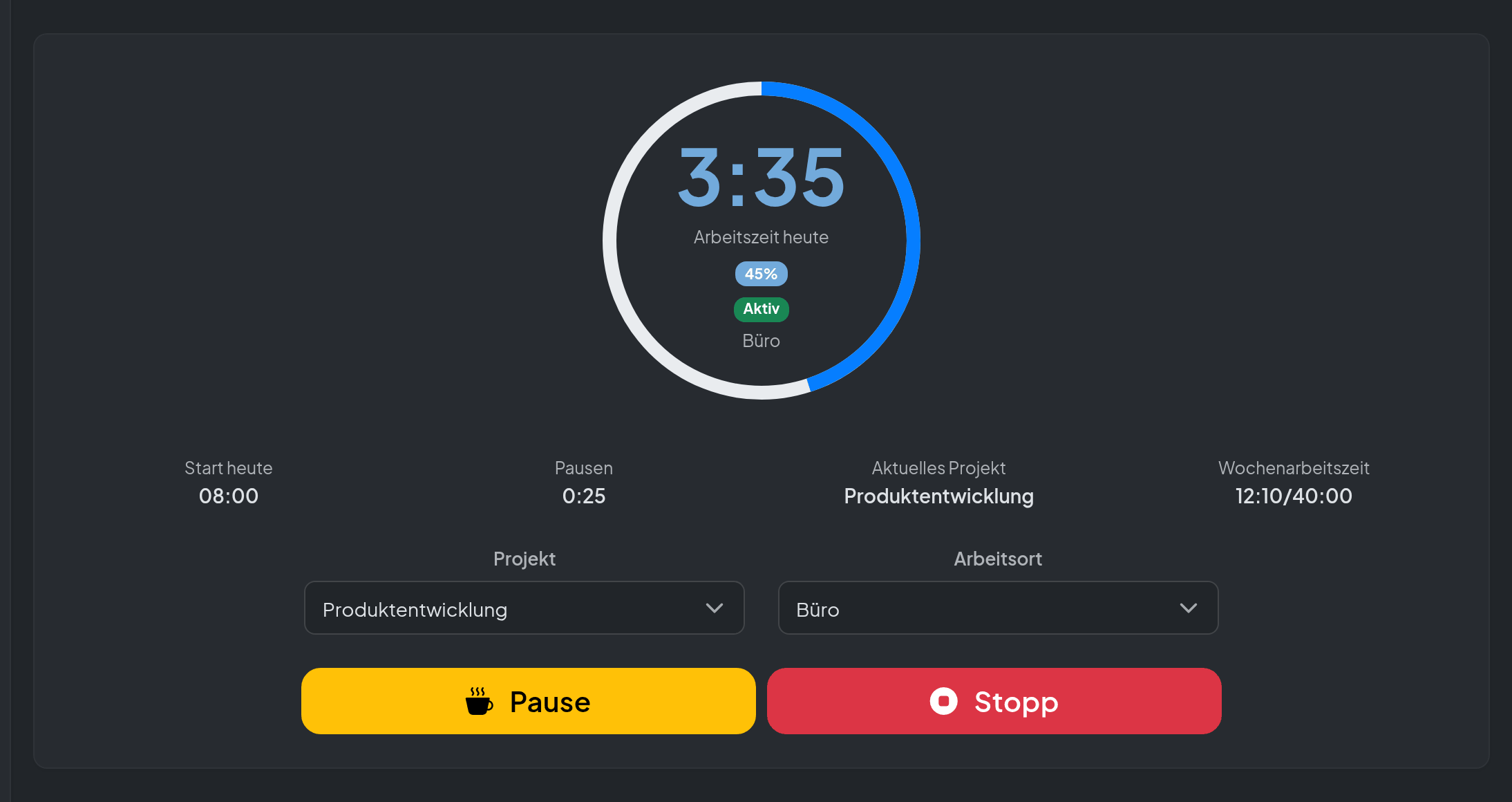
Clock
Clocking in takes one second. The clock handles the rest – even at midnight.
View in detail →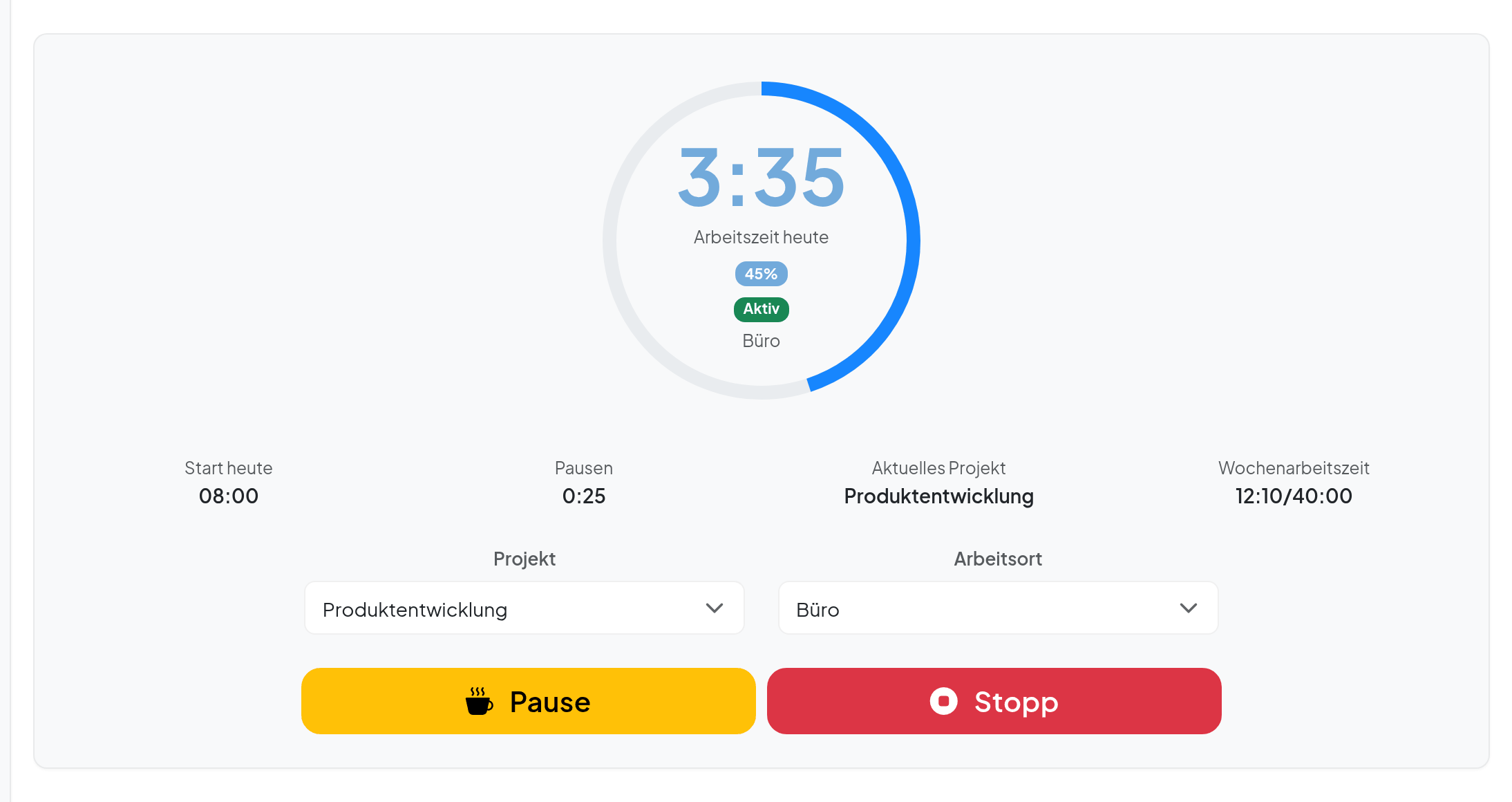
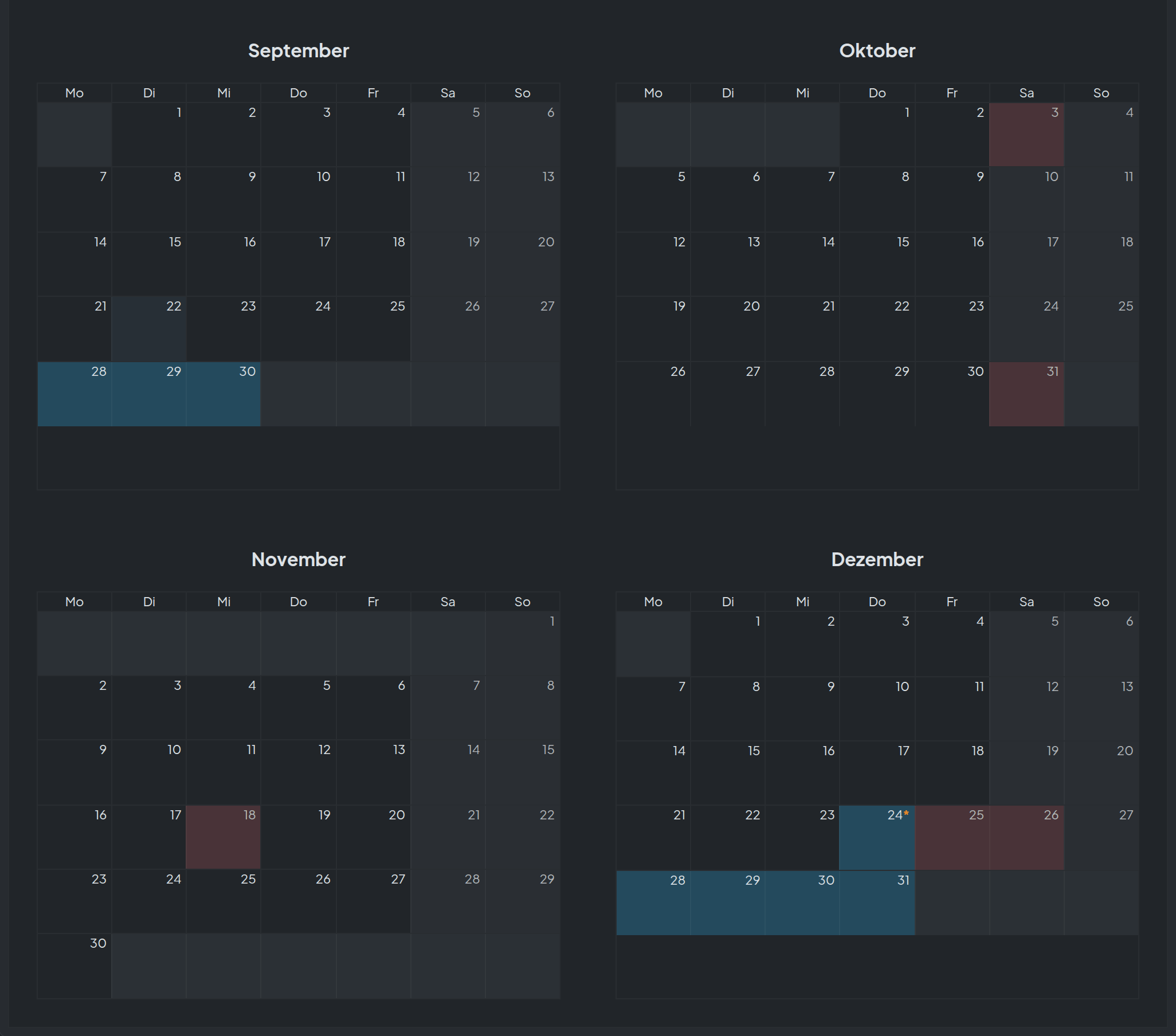
Absences & leave
Nine absence types, five countries, zero miscalculated leave.
View in detail →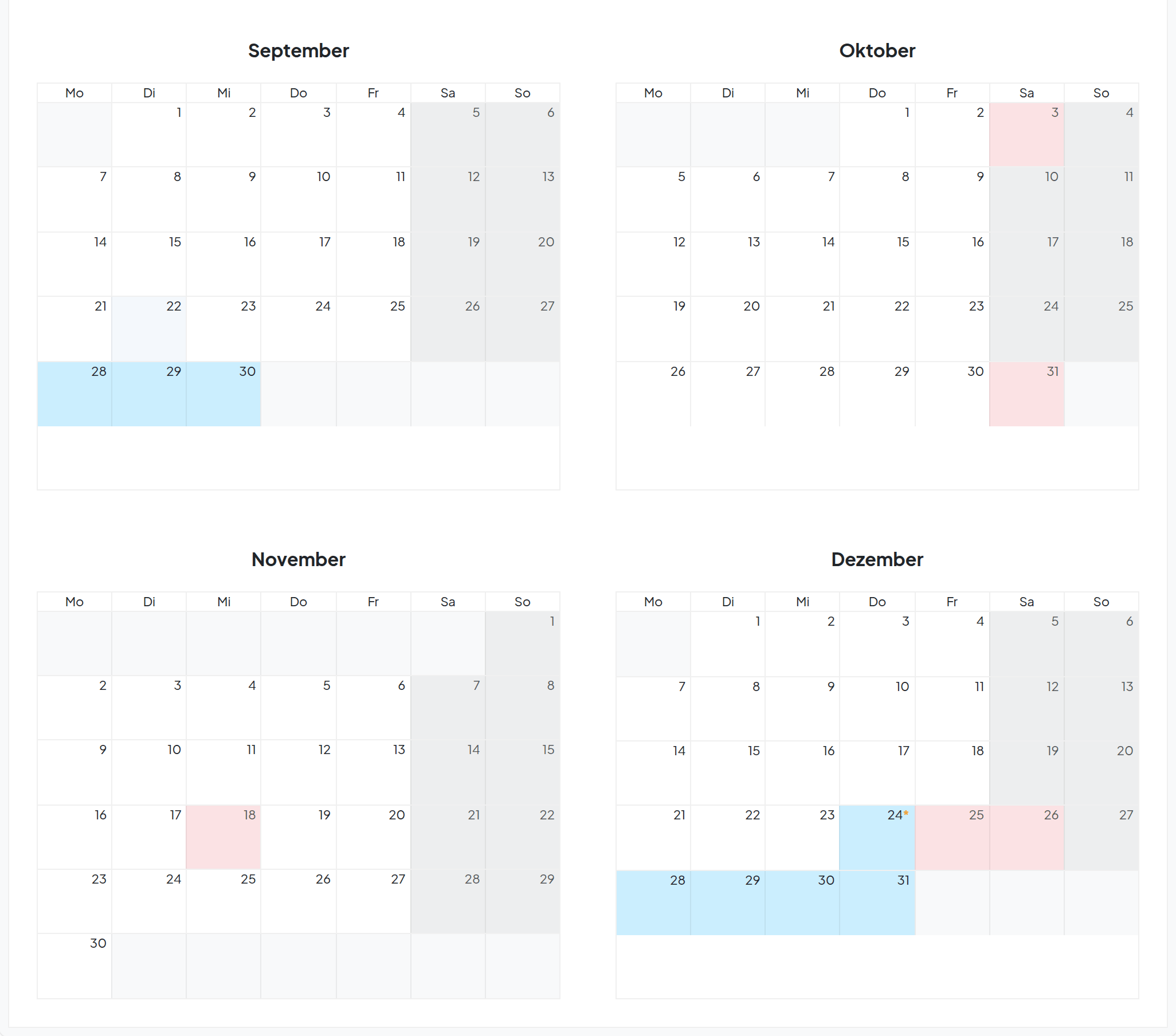
Compliance traffic lightPro
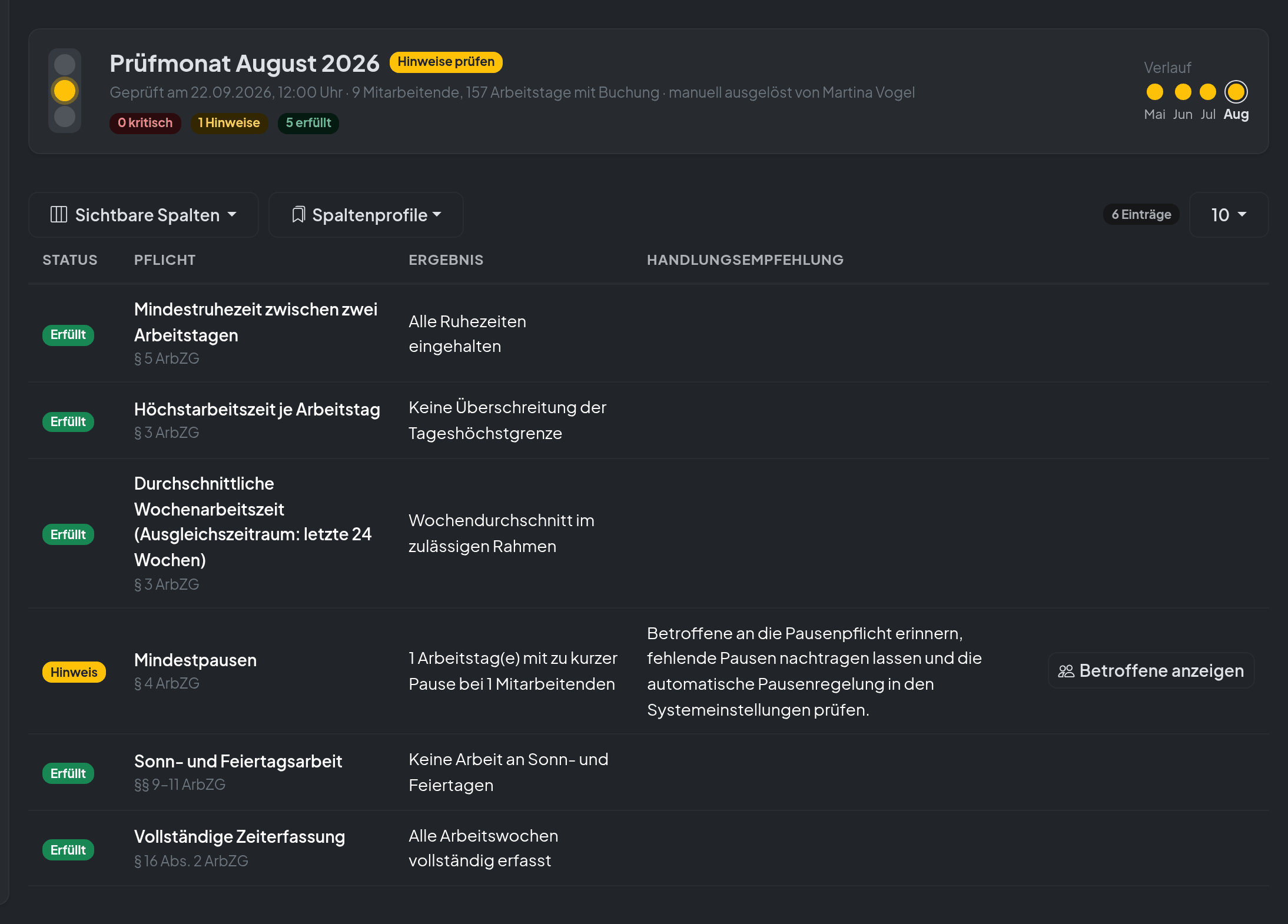
Green means: sleep well. Red means: act before the authorities ask.
View in detail →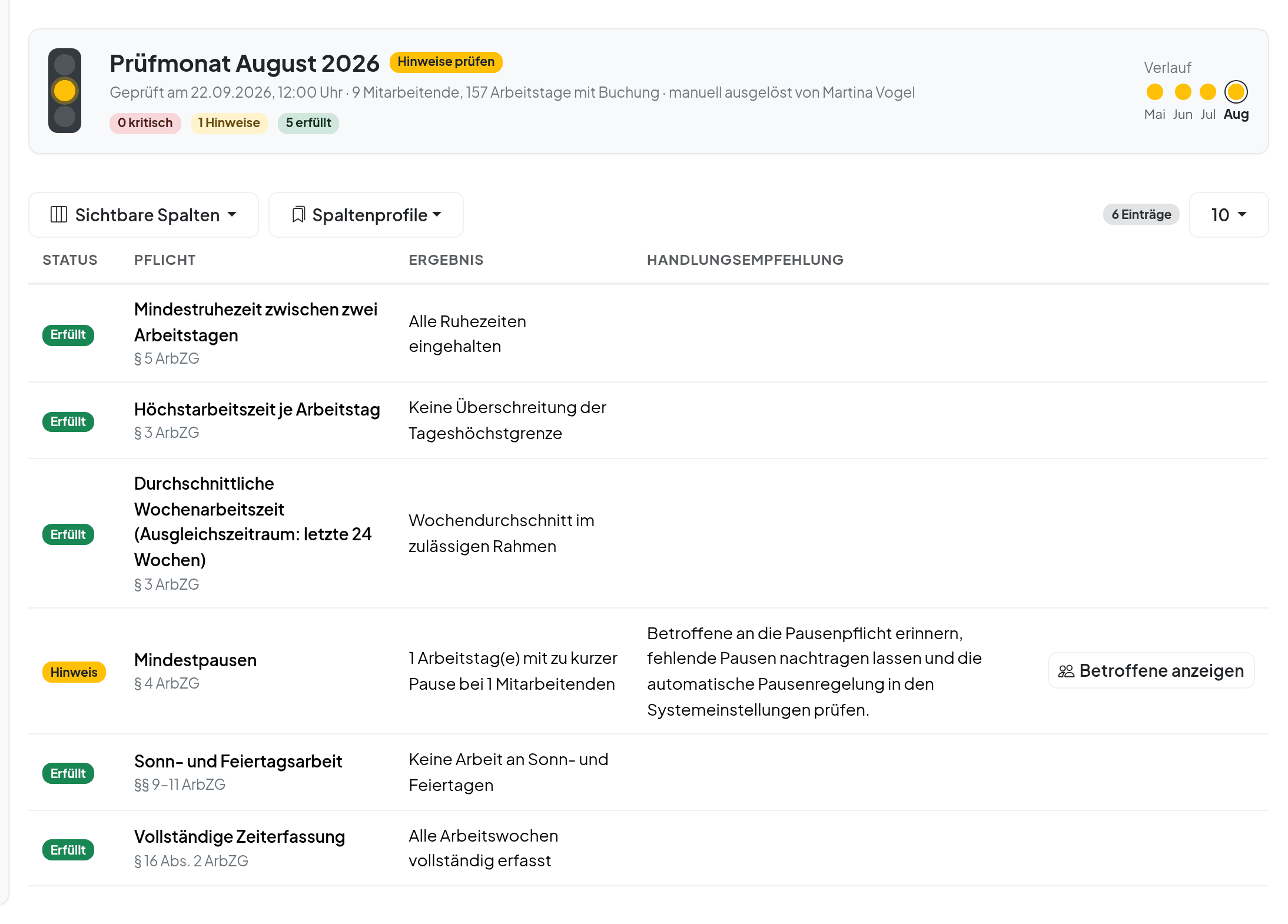
Green means: sleep well.
Once a month TimeTracker automatically checks all entries against applicable working-time law — and shows per person and rule whether everything is fine.
Compliant
All rest periods, breaks and maximum hours respected. Nothing to do.
Notice
A value is approaching a limit, such as the weekly average within the reference period. With a recommendation on what makes sense now.
Critical
A rule was breached — with legal basis, affected day and a concrete suggested action.
What is checked
- Rest period between two working days (11 h)
- Daily maximum (DE 10 h · AT 12 h · CH 13 h · LI 12 h · LU 10 h)
- Weekly average within the reference period
- Minimum breaks by hours worked
- Sunday and public-holiday work
- Missing entries (Sec. 16 (2) ArbZG)
Jurisdictions
Depending on the country of the employment contract, the matching rules apply automatically — Germany, Austria, Switzerland, Liechtenstein or Luxembourg. Where a national rule is missing, the EU Working Time Directive serves as the minimum standard.
The compliance traffic light is a self-check aid and does not replace legal advice.
Start small. Grow when it fits.
Three editions, each with the complete clock. Move the slider to your team size — the price updates live.
Basic
The legally sound clock
3.50 € / user / month
– per month in total
- Clock, manual entries, admin editing
- Break detection, suggestions and rules
- Leave, sickness, parental leave, overtime reduction with approval
- Leave quota, balance, calendar
Plus
Teams, planning, templates
5.50 € / user / month
– per month in total
- Everything in Basic
- Teams with team leads, default working hours
- Visual leave planning, company holidays, blocked periods
- Custom absence types, goodwill days, birthday off
Pro
Compliance, home office, all add-ons
9.00 € / user / month
– per month in total
- Everything in Plus
- Compliance traffic light with monthly report and auditor export
- Home-office clock-in and display
- Public absence overview, absence reports
All prices per user and month plus VAT, cancellable monthly. From 11 and from 21 users a lower volume price applies to all users. * Planned feature, included in the package, not yet active.
All prices & features in detail →One module. One roof. One login.
TimeTracker is one of twelve modules in the Team.Qube suite. Run it on its own — or connect it with the other blocks: absences flow into resource planning, projects and customers come from the central customer database, users are created once and known everywhere.
Developed and supported by Trivitec GmbH in Chemnitz — with personal support instead of a ticket queue.
Trivitec GmbH

What you want to know first.
Not covered? Write to us — we answer honestly, even if TimeTracker isn't the right fit.
Do I have to record my employees' working hours at all?
Where does my data live?
How do employees without a fixed workplace clock in?
Can I correct entries afterwards?
How do the hours get into payroll?
What about Austria, Switzerland, Liechtenstein and Luxembourg?
Do I need the whole Team.Qube suite?
What does TimeTracker cost?
Let's talk briefly.
Tell us how your business records hours today and how big the team is. We'll get in touch to arrange a meeting, walk you through TimeTracker using your workflows and send a quote afterwards.
Thanks, we've got it!
We'll get back to you shortly.